In Memoriam – Cecil Blackford Aug. 17, 1924 – April 4, 2020

A true Tehachapi hero and man of God.

World War II experience

Cecil joined the Navy in 1942 and served aboard the USS Solace for 27 months. The USS Solace was a medical ship that evacuated thousands of wounded soldiers and Marines from the bloodiest battles of the Pacific. Cecil was a medical corpsman and worked in the orthopedic operating room as an operating room technician. The ship could hold up to 600 patients mostly from Guam, Saipan and Iwo Jima.

Korean War experience

After World War II, Cecil was working for the railroad when he was called by the Navy for service in the Korean War. He was based out of Japan for 2 years and went back and forth to Korea. This time he worked in surgical tents.

One thing that Cecil took away from both wars was the following quote:

“My job was to preserve life and not take it away”.
How you can help pastor proclaim the gospel

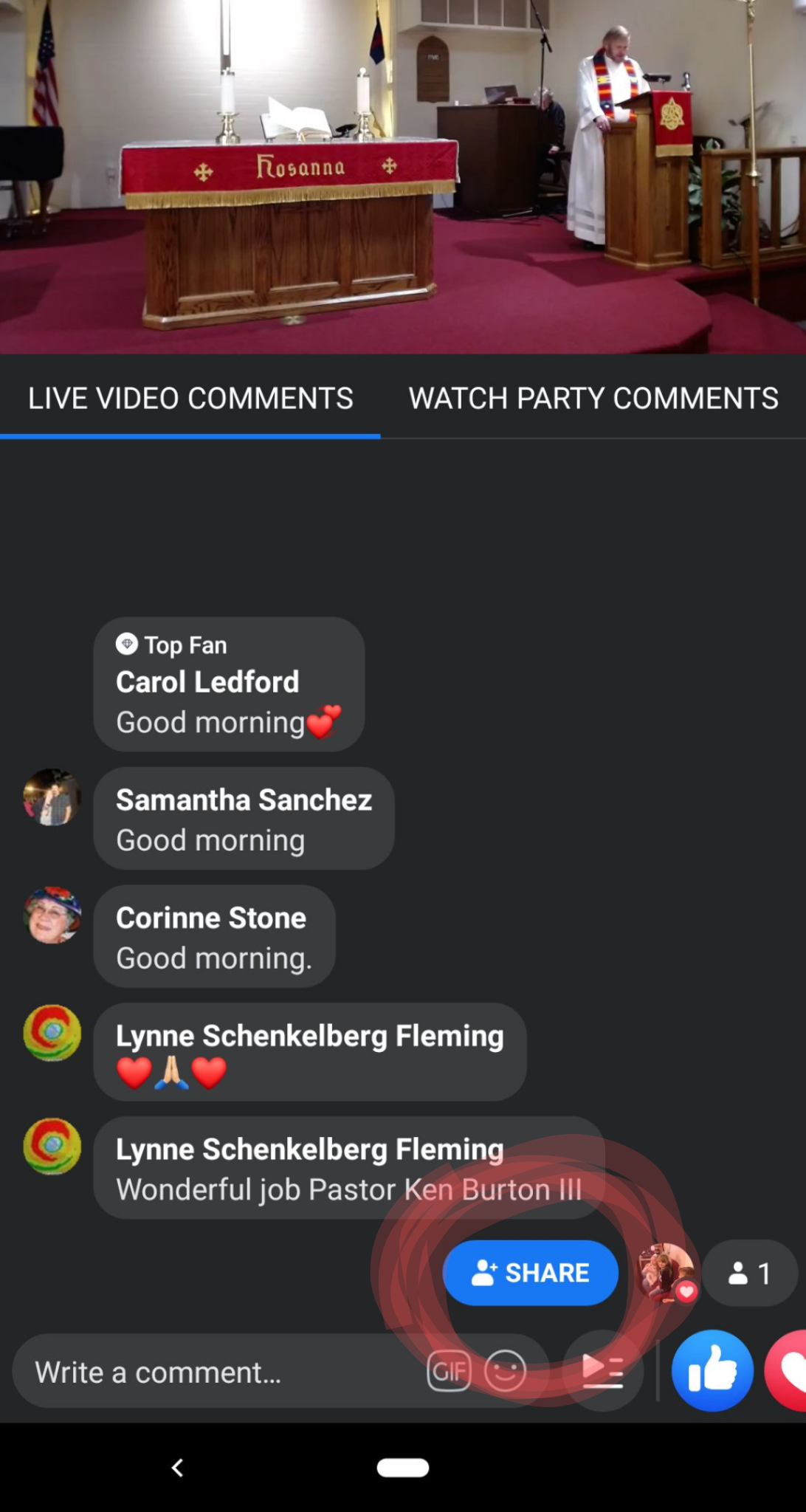
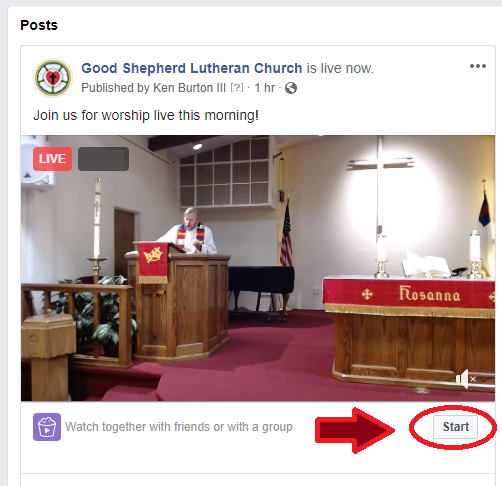
If you want to you can start a “watch party” on Facebook when pastor is preaching. See below…

facebook pic

On a smartphone you should see a share button at the bottom.

Facebook will then mirror our service onto your personal feed. Your friends and family will get an invite to join you in worship.

Don’t feel pressured, we know this isn’t something everyone wants to do. But if you feel comfortable doing so please be encouraged.

Do you want to stream future sermons onto your TV?

Because of this virus we are living in some crazy times. To help out we are publishing a guide for one way you could watch the pastors sermons at home.

This is by no means an endorsement of particular brands or devices. We are just offering one way of doing this.

First you need a television that accepts HDMI. If you have a flat screen TV less than ten years old then it probably has this already.

Secondly you need high speed internet with a WiFi modem in your home. Lastly you need a Google Chromecast or other streaming device. It doesn’t have to be a Chromecast but this is probably the easiest. You can find one at Walmart or on their website HERE if you want it delivered.

There should be instructions on setting up the device but if you need a helpful video here you go…

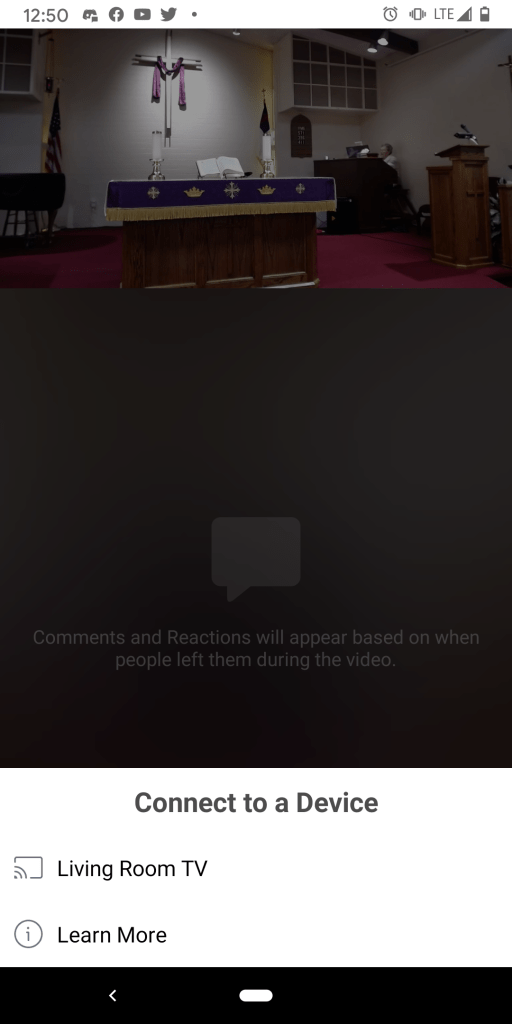
Once you’ve hooked it up to your TV and got it working you have to load the sermon on your phone as if you were going to watch it. A button like the image below should be visible in the upper right hand corner….

Click on that and then choose the option to cast it to whatever you named your TV as.

After that the service should play nicely on your TV.